
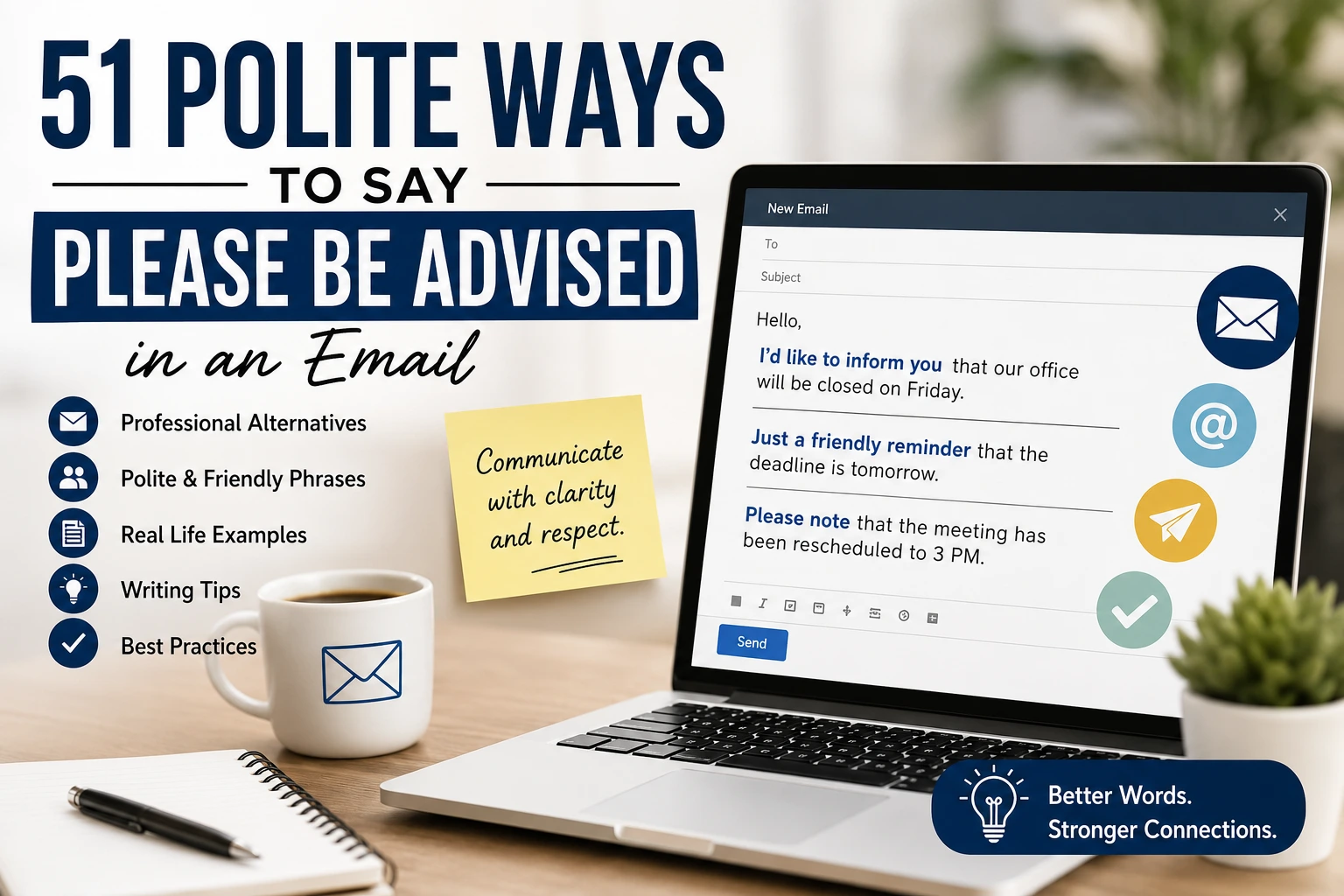
Have you ever written an email and paused at the phrase “please be advised”? While it’s a common expression in business communication, it can sometimes sound overly formal, stiff, or even outdated. Whether you’re emailing a client, colleague, manager, or customer, choosing friendlier and more natural wording can make your message feel more professional and approachable.
That’s why so many people search for polite ways to say “please be advised in an email.” The right alternative helps you communicate important information without sounding cold or demanding. In this guide, you’ll discover 51 professional replacements for “please be advised,” along with practical examples showing exactly when to use each one. By the end, you’ll have plenty of options to make your emails clearer, warmer, and more effective.
What Does “Please Be Advised” in an Email Mean?
“Please be advised” is a formal phrase used to let someone know about important information they should be aware of. It often appears in business emails, legal notices, customer service messages, and official announcements.
For example, if a company is changing its office hours, they might write, “Please be advised that our office will close early on Friday.”
Although the phrase is grammatically correct, many modern professionals prefer softer alternatives because they sound more conversational and less authoritative. Using friendlier language helps build better relationships while still communicating the same message clearly.
Polite and Appreciative Alternatives
1. Please note that
Reply: “Please note that the meeting has been moved to 3 PM.”
Example:
You’re updating your team about a scheduling change and want to keep the tone professional yet friendly.
2. Kindly note
Reply: “Kindly note that the deadline is Friday.”
Example:
You’re sending a reminder before an important project submission.
3. I’d like to inform you that
Reply: “I’d like to inform you that your request has been approved.”
Example:
You’re notifying a client about good news.
4. Just a friendly reminder
Reply: “Just a friendly reminder that invoices are due tomorrow.”
Example:
You’re reminding customers about an upcoming payment without sounding pushy.
5. Please keep in mind
Reply: “Please keep in mind that processing may take up to five business days.”
Example:
You’re setting realistic expectations for customers.
6. We’d like to let you know
Reply: “We’d like to let you know that our office will be closed on Monday.”
Example:
You’re announcing a holiday closure.
7. For your information
Reply: “For your information, the attached report includes the latest updates.”
Example:
You’re sharing useful information with a colleague.
8. We wanted to make you aware
Reply: “We wanted to make you aware of a temporary service interruption.”
Example:
You’re informing customers before maintenance begins.
9. Please remember
Reply: “Please remember to submit your timesheet by Friday.”
Example:
You’re sending a weekly reminder to employees.
10. We’d appreciate your attention to this
Reply: “We’d appreciate your attention to this updated policy.”
Example:
You’re introducing a workplace policy change.
Professional and Friendly Alternatives
11. Please be aware that
Reply: “Please be aware that parking is limited.”
Example:
You’re notifying guests before an event.
12. As a reminder
Reply: “As a reminder, registration closes tomorrow.”
Example:
You’re following up before a deadline.
13. We are pleased to inform you
Reply: “We are pleased to inform you that your application has been accepted.”
Example:
You’re sending positive news professionally.
14. We’d like to share
Reply: “We’d like to share an important update regarding your account.”
Example:
You’re communicating account changes.
15. Kindly be aware
Reply: “Kindly be aware that support hours have changed.”
Example:
You’re updating customers about availability.
16. We encourage you to note
Reply: “We encourage you to note the revised timeline.”
Example:
You’re informing a project team.
17. We recommend keeping this in mind
Reply: “We recommend keeping this in mind before placing your order.”
Example:
You’re helping customers avoid confusion.
18. It’s important to note
Reply: “It’s important to note that prices may vary.”
Example:
You’re explaining pricing conditions.
19. Please take note
Reply: “Please take note of the updated contact information.”
Example:
You’re announcing new company details.
20. We’d like to remind you
Reply: “We’d like to remind you about tomorrow’s webinar.”
Example:
You’re encouraging attendance.
Confident and Professional Alternatives
21. Please be informed
Reply: “Please be informed that your subscription has been renewed.”
Example:
You’re confirming a completed process.
22. This is to notify you
Reply: “This is to notify you of upcoming maintenance.”
Example:
You’re sending a service notice.
23. We wish to inform you
Reply: “We wish to inform you that your shipment has been dispatched.”
Example:
You’re providing an order update.
24. You should know that
Reply: “You should know that response times may be longer today.”
Example:
You’re setting expectations during busy periods.
25. We’d like to update you
Reply: “We’d like to update you on your support request.”
Example:
You’re sharing progress with a customer.
26. Here’s an important update
Reply: “Here’s an important update regarding your reservation.”
Example:
You’re emailing hotel guests.
27. We’d like to bring this to your attention
Reply: “We’d like to bring this to your attention before the launch.”
Example:
You’re highlighting a key issue.
28. We wanted to update you
Reply: “We wanted to update you on the latest project developments.”
Example:
You’re keeping stakeholders informed.
29. We are writing to let you know
Reply: “We are writing to let you know about our new office location.”
Example:
You’re announcing a company move.
30. We would like to notify you
Reply: “We would like to notify you of scheduled maintenance.”
Example:
You’re sending an official notice.
Friendly and Conversational Alternatives
31. Just so you know
Reply: “Just so you know, the meeting starts 15 minutes earlier.”
Example:
You’re sending a casual update to coworkers.
32. Heads up
Reply: “Heads up, the website may be unavailable tonight.”
Example:
You’re giving advance notice to your team.
33. Just letting you know
Reply: “Just letting you know that your package is on its way.”
Example:
You’re providing a shipping update.
34. A quick update
Reply: “A quick update, we’ve completed your request.”
Example:
You’re following up with a customer.
35. I wanted to let you know
Reply: “I wanted to let you know that the report is finished.”
Example:
You’re updating your manager.
36. Here’s a quick reminder
Reply: “Here’s a quick reminder about tomorrow’s appointment.”
Example:
You’re reminding a client.
37. One quick note
Reply: “One quick note, the attachment has been revised.”
Example:
You’re sending a corrected document.
38. Just keeping you informed
Reply: “Just keeping you informed about the latest changes.”
Example:
You’re sharing project progress.
39. I thought you’d like to know
Reply: “I thought you’d like to know that your order has shipped.”
Example:
You’re adding a personal touch to customer service.
40. Sharing an update
Reply: “Sharing an update on our upcoming product launch.”
Example:
You’re sending company news.
Thoughtful and Modern Alternatives
41. For your awareness
Reply: “For your awareness, the policy has been revised.”
Example:
You’re communicating internal updates.
42. We wanted to share
Reply: “We wanted to share an exciting announcement.”
Example:
You’re introducing a new service.
43. We’d appreciate you noting
Reply: “We’d appreciate you noting the revised schedule.”
Example:
You’re asking recipients to review important information.
44. Before you continue
Reply: “Before you continue, please review the updated terms.”
Example:
You’re guiding users during registration.
45. We encourage you to review
Reply: “We encourage you to review the attached document.”
Example:
You’re sharing revised guidelines.
46. This serves as a reminder
Reply: “This serves as a reminder that enrollment closes Friday.”
Example:
You’re reminding participants about registration.
47. We wanted to provide an update
Reply: “We wanted to provide an update regarding your application.”
Example:
You’re communicating progress.
48. Please review the following
Reply: “Please review the following changes carefully.”
Example:
You’re sending revised procedures.
49. We’d appreciate your review
Reply: “We’d appreciate your review of the attached proposal.”
Example:
You’re requesting feedback from a client.
50. Thank you for keeping this in mind
Reply: “Thank you for keeping this in mind as we process your request.”
Example:
You’re ending an email politely.
51. Thank you for your attention
Reply: “Thank you for your attention to this important update.”
Example:
You’re closing an announcement professionally.
Real Life Situations
Sending an Important Company Announcement
Best reply:
“Please note that our office will be closed on Monday.”
Updating a Customer About an Order
Best reply:
“I’d like to inform you that your order has been shipped.”
Reminding Employees About a Deadline
Best reply:
“Just a friendly reminder that reports are due by Friday.”
Informing Clients About Maintenance
Best reply:
“Please be aware that our website will undergo scheduled maintenance tonight.”
Sharing a Policy Change
Best reply:
“We’d like to bring this to your attention before the new policy takes effect.”
What to Avoid
Using “please be advised” in every email makes your writing repetitive.
Choosing language that’s too formal for casual workplace conversations.
Sounding overly commanding when sharing simple updates.
Making your message unnecessarily long before stating the important information.
Using complicated business jargon that reduces clarity.
Forgetting to match your tone with your audience.
Pro Tips
Choose alternatives that fit your relationship with the reader. A client may expect a more professional tone, while coworkers often appreciate friendlier wording.
Place the important information near the beginning of your email so readers don’t have to search for it.
Keep your sentences simple and direct. Clear communication always sounds more professional than overly formal language.
Bonus: Quick One Line Alternatives
Please note
Kindly note
For your information
Just a reminder
Please keep in mind
We’d like to let you know
It’s important to note
Here’s an update
Just so you know
Thank you for your attention
Conclusion
Replacing “please be advised” with more natural alternatives can instantly make your emails sound warmer, clearer, and more professional. Whether you’re writing to clients, coworkers, or customers, choosing the right phrase helps you communicate important information while building stronger relationships. Try these alternatives in your next email, and you’ll notice how much smoother and more engaging your communication becomes.
Discover More:
polite ways to say gifts are optional on an invitation
professional ways to say i will do my best
ways to say please let me know about the funeral arrangements